My Setup as a Web Developer
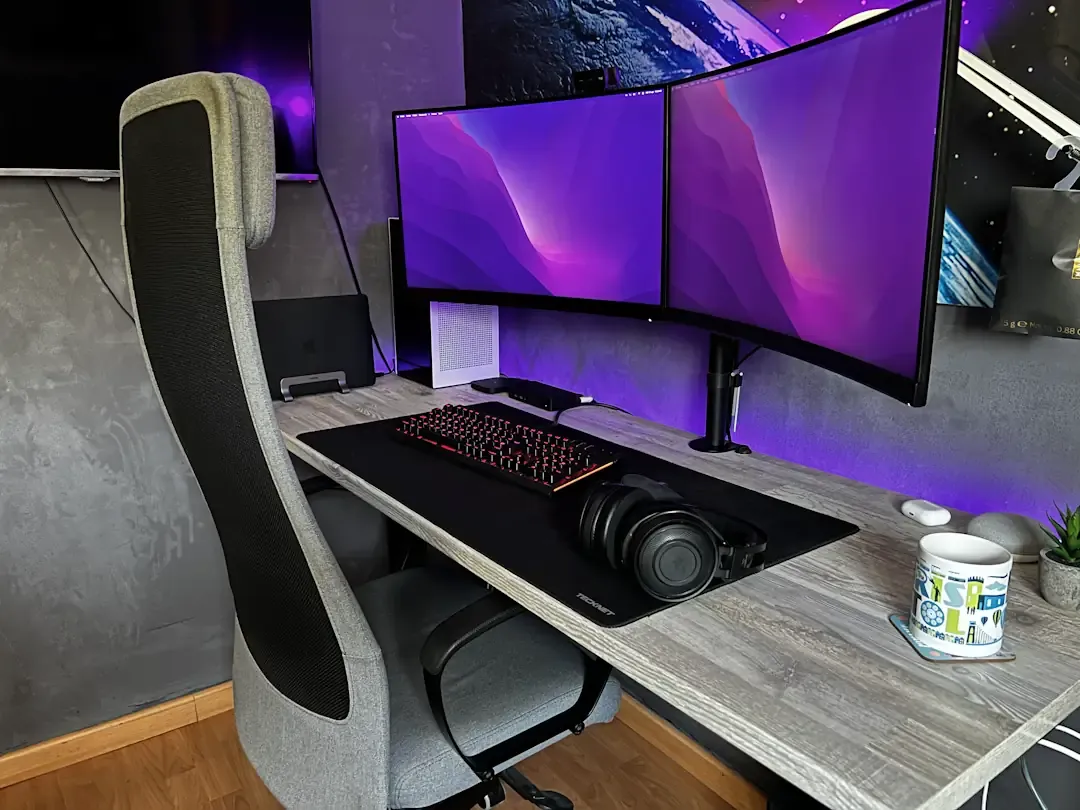
Like any self-respecting software developer, my setup is the place in the house where I spend the most time each day (blessed remote work 😍). Whether working, studying, consuming content, or during free time, this is where we all spend most of our daysº.
This time I want to tell you what my setup is like right now and also explain why at some point I specifically chose each item.
By the way! Remember that all product links are Amazon affiliate links. Every time you use them, you support me financially (although it’s completely free for you). Thanks for using them 🙏!
Desk
This is a motorized desk frame from Flexispot. It has an electronic control panel and a motor in the legs that allows adjusting its height to use it both seated and standing.
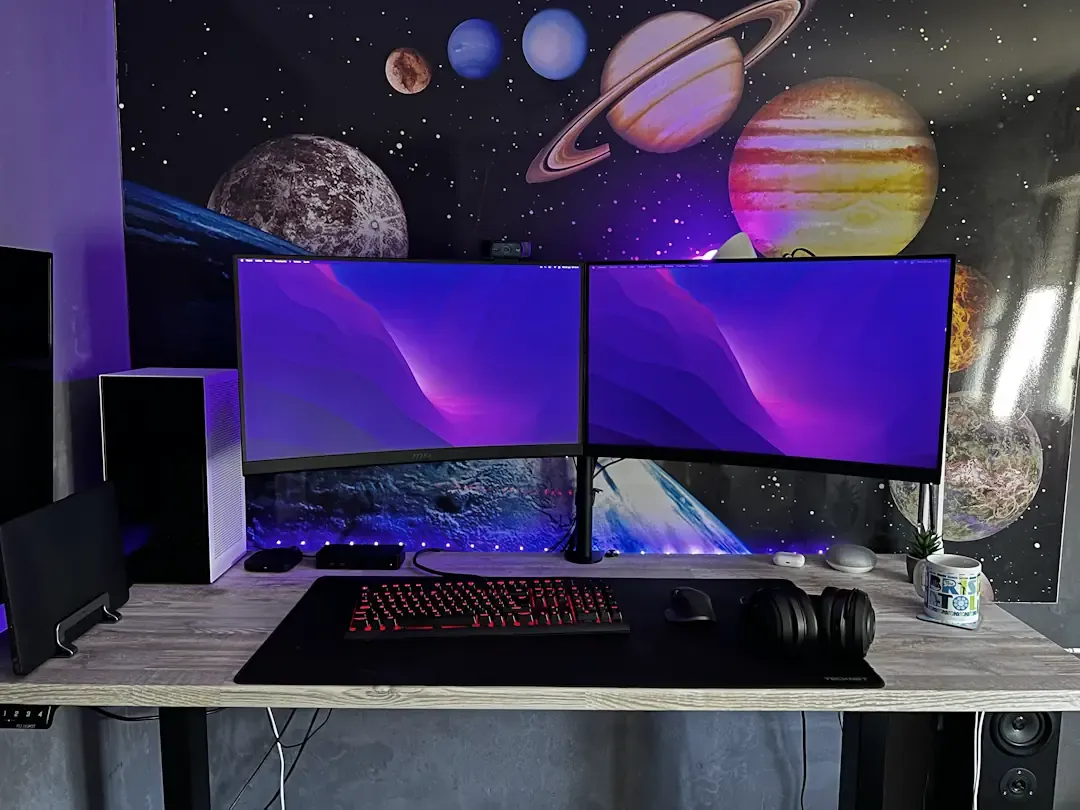
The control on this specific model has one button to increase height, another to decrease it, and four numbered memory buttons that act like “shortcuts” to the heights you use most. Spending so many hours sitting in a chair is not good; no matter what chair you have and no matter its quality, it’s always a good idea to stretch your legs and keep blood flowing.
Chair
Careful! Ikea does not officially sell on Amazon; this chair is available at a more affordable price on Ikea’s official website.
This office chair has been the best-selling one on the market for years due to its ergonomics, sober aesthetics, and relatively low price (compared to other office chairs). However, today, after more than 5 years of use, I do not recommend it if you spend more than 8 hours a day sitting on it.
Yes, it is very comfortable and I won’t deny it, but the simple fact that neither the armrests nor the headrest are adjustable in any way forces me to adjust my whole back position to be more comfortable at times.
Alternative chair I recommend
Laptop
During the time I have been using the MacBook Air M1, I haven’t stopped hearing people say that 8GB of RAM for software development is not enough. In contrast, I can assure you it is enough, at least for web development (endless Chrome tabs + several dev servers running at once) and mobile development (iPhone Simulator + Android Emulator + Chrome tabs with Flutter + native windows with Flutter running at once).
By the way, the fact that it has no fan inside is an acoustic luxury and doesn’t affect performance at all while I code. However, if you plan to use it for video editing or similar tasks, it’s possible it may suffer from thermal throttling.
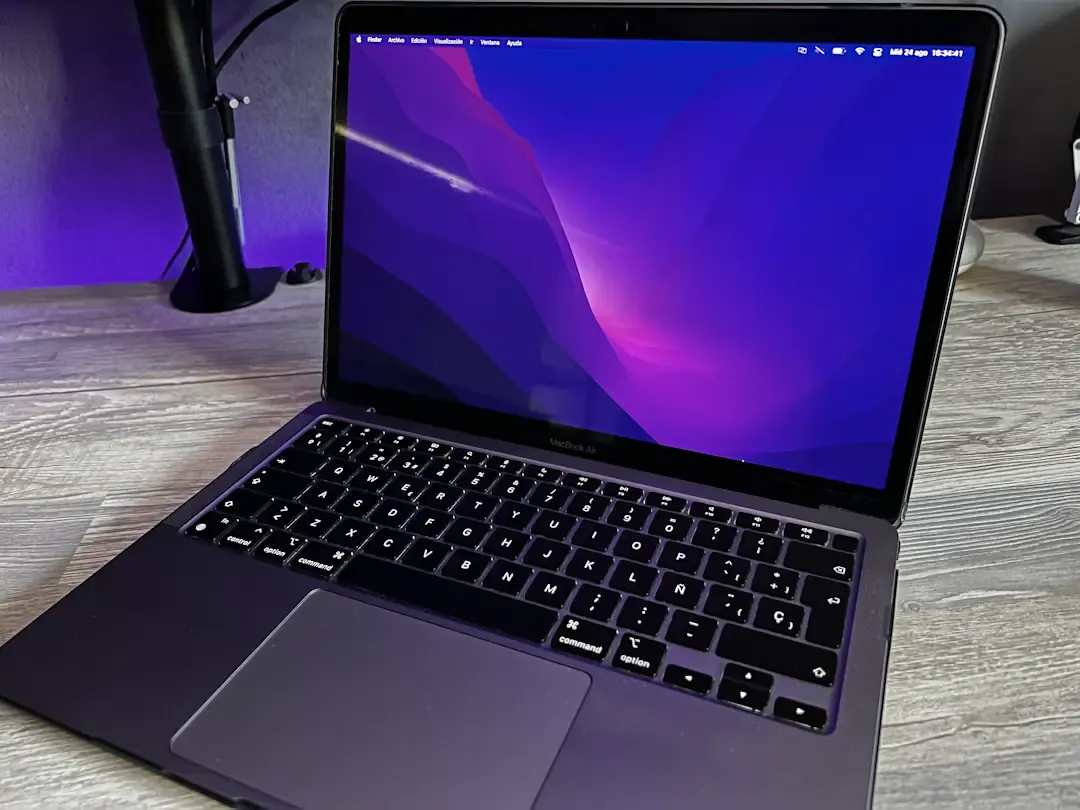
That said, it’s important to go for the 512GB storage version at least.
The MacBook is usually connected to the following dock, since natively it only supports one external monitor and I always use at least two (sometimes three when I keep the laptop open):
Monitors
I use two MSI G27CQ4 monitors: 27”, 1440p, 165Hz, and curved. When I place one next to the other, their total width is almost the full length of the desk. Very comfortable for consuming content, gaming, and, of course, coding with multiple windows open.
Both monitors are mounted on the following dual arm:
Audio and video
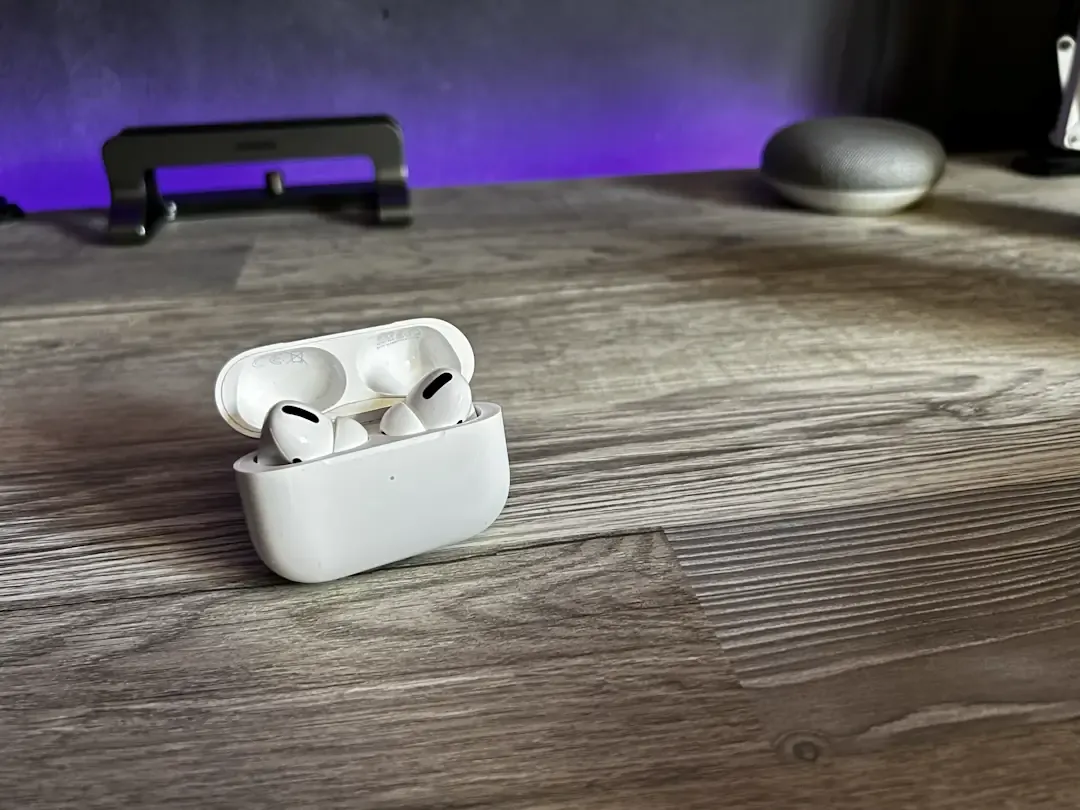
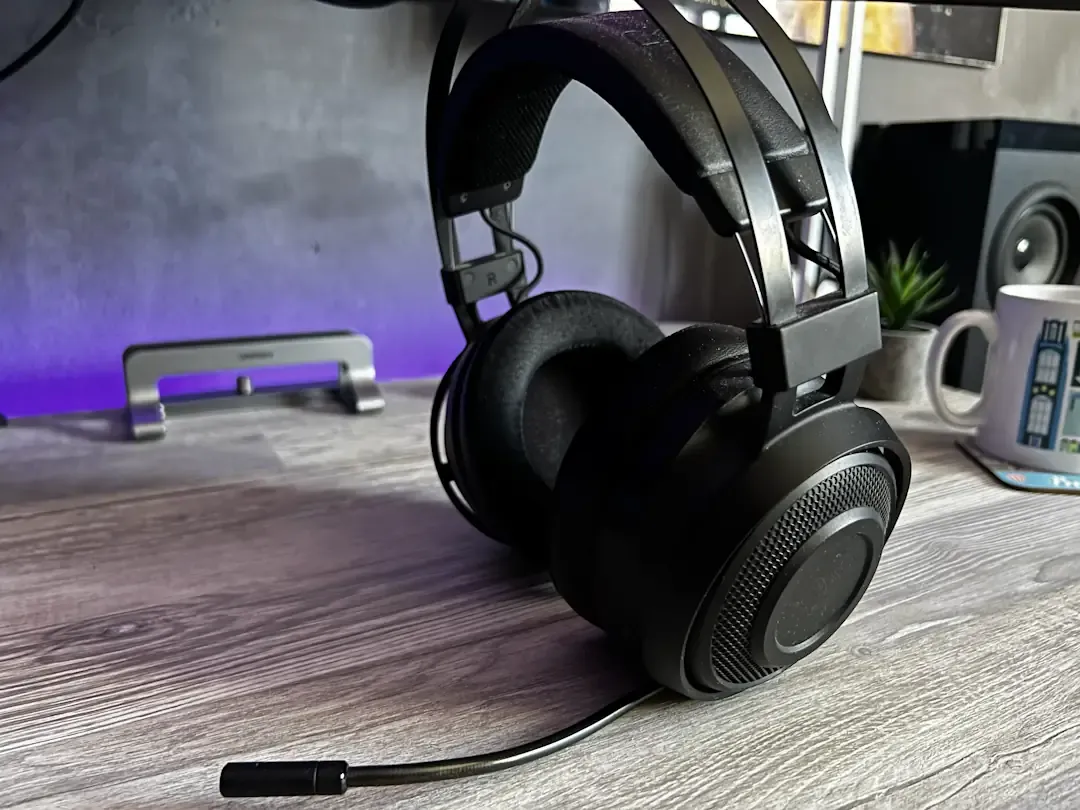
For “personal or private” audio I use two types of devices: Razer Nari Ultimate over-ear headphones (their microphone pleasantly surprised me when I first tested it) and Apple’s AirPods Pro. Which one I use depends on whether I’m anchored to the setup or not; if I need to work in another room or even another location, I can use the AirPods Pro instead of carrying the Razer ones, which are huge 😥.
On the other hand, when I want to consume content or just listen to music and I’m tired of having headphones on my head, I use an Energy Sistem sound tower.
As my main webcam I use the Logitech C920 because of its incredible quality-price ratio and good image quality. This webcam performs very well in video calls on Microsoft Teams, Google Meet, and similar apps (as long as you don’t use its microphone, which is terrible by the way 😅).
Desktop Computer
Without much more to explain, this is my Windows PC build where I also develop when I need more power, or when the MacBook is stored in my backpack:
Peripherals
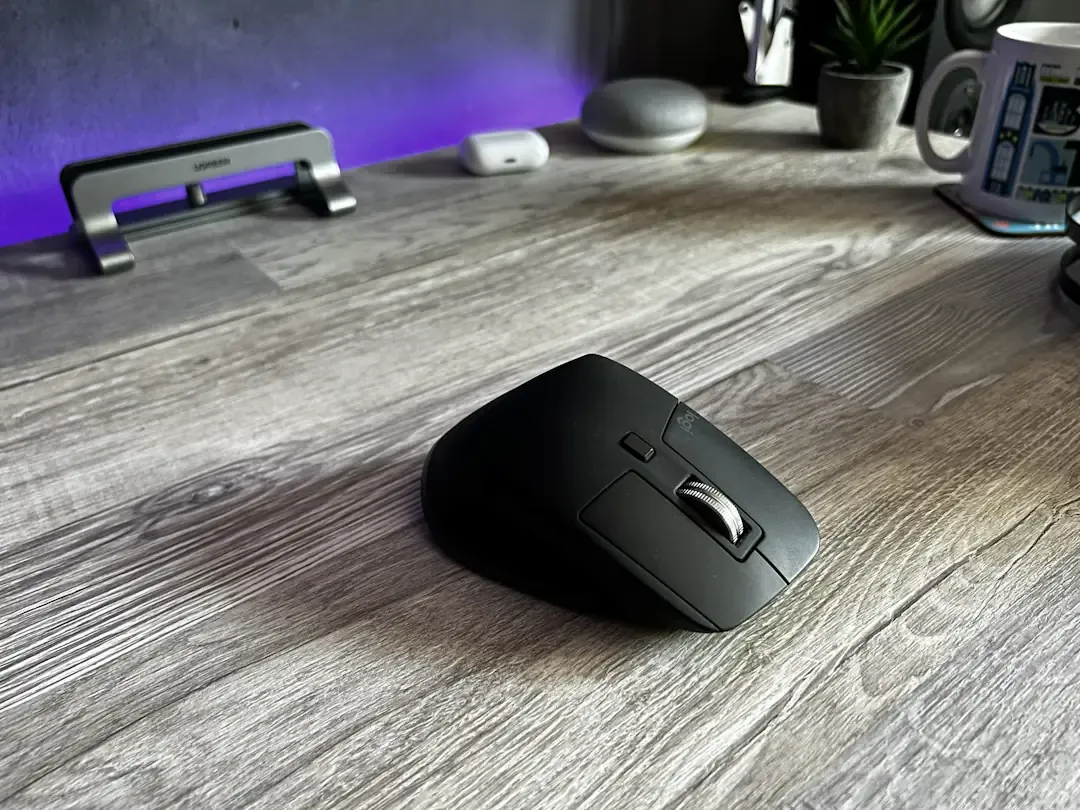
In my opinion, without any doubt, the best ergonomic mouse on the market. It’s silent, comfortable to the touch, weighs just right, has buttons for everything, and its central wheel has magnetic levitation for almost infinite scrolling on any kilometer-long page.
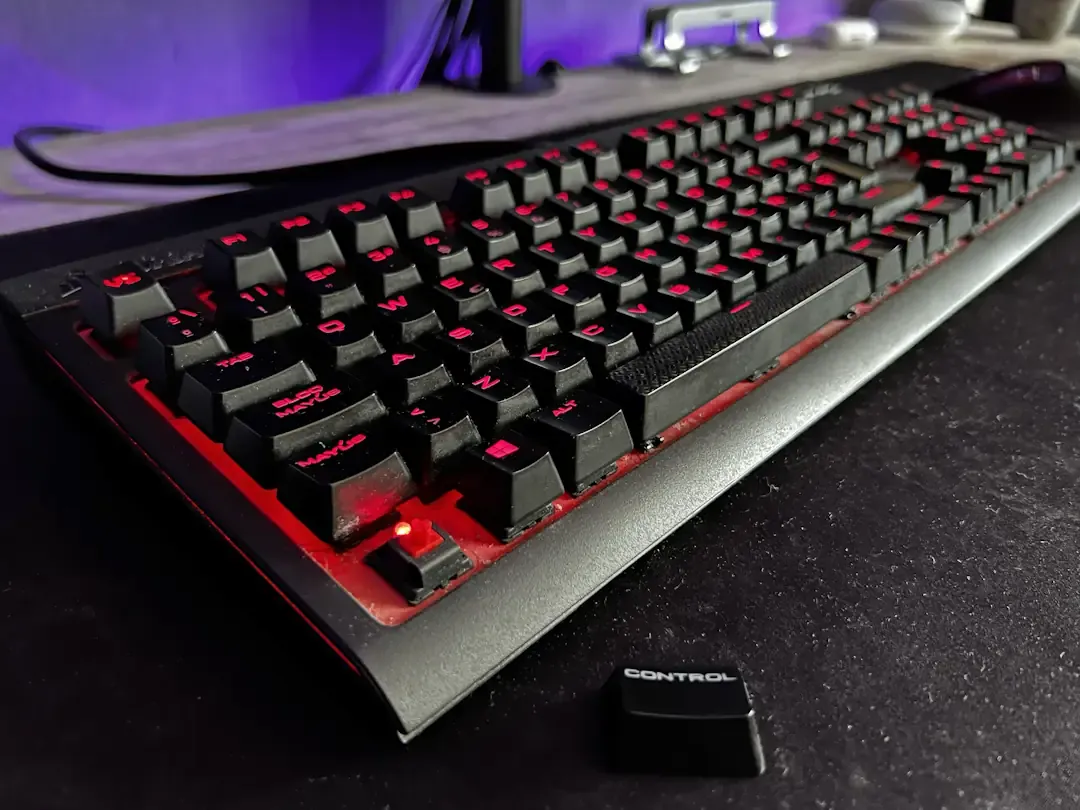
Yeah, yeah, I know I have a post talking about custom mechanical keyboards and I should have one and all that… But the chance hasn’t come up and my old Corsair Strafe with Cherry MX Red switches still gives me everything I need (like ISO/ESP layout 🥲).
Extras
I never use these two devices with the intention of “programming,” but the Xiaomi TV Box S can still be useful for debugging Android TV apps at some point.
I include mobile phones in this section because I use them occasionally to debug web applications in mobile environments, whether that’s styles and responsiveness, policies and compatibility across browsers, or special JavaScript behavior on mobile devices.